
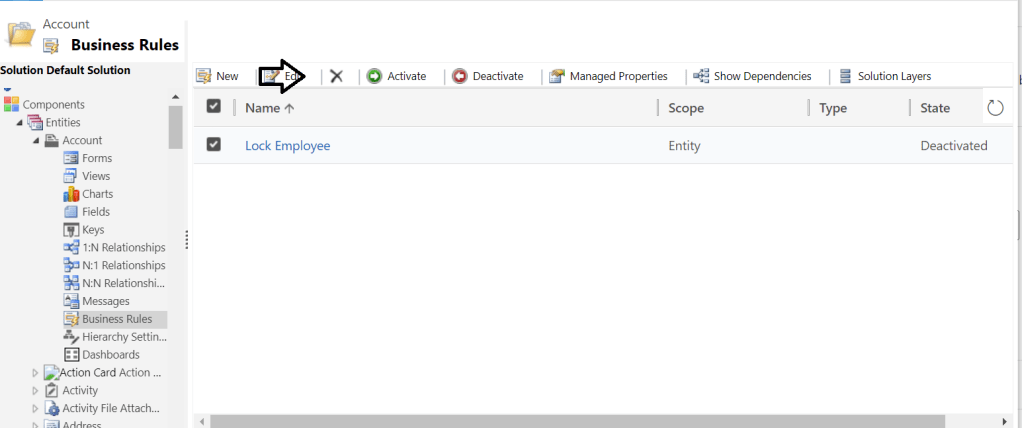
Not sure if I am missing something but, I couldn’t find the delete button in the PowerApps maker portal whereas, it is available in the classic UI.

Giving back to the community what I have learned
Tag: Nijo Joseph Raju
Not sure if I am missing something but, I couldn’t find the delete button in the PowerApps maker portal whereas, it is available in the classic UI.
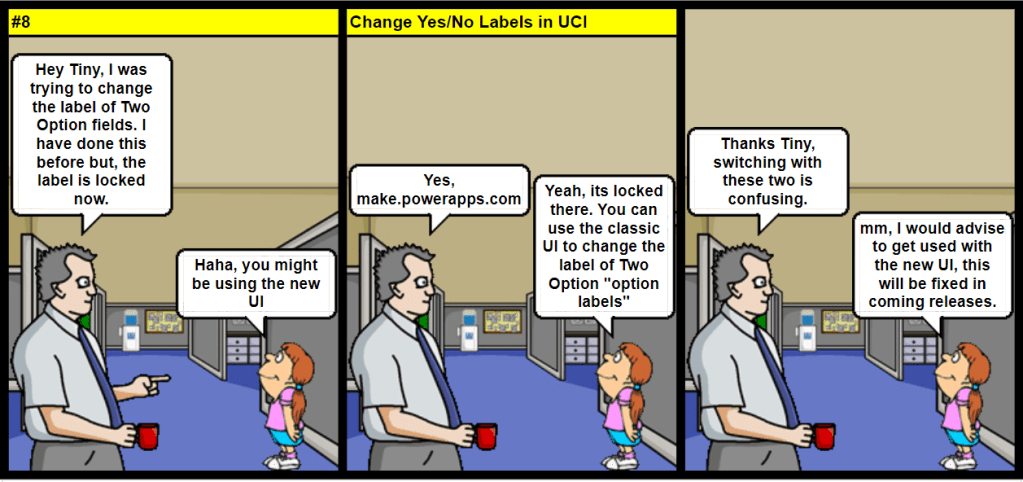
Knowing the limitations of each UI will help you to save some precious time .

If you are using email tracking and your system has records that share the same email address then, emails will be tracked to all records that uses the same email. You need to consider this when designing your solution…

This is one place where it becomes important to design your flows the right way straight from the beginning. Even when your flow is still quite small. More details.

There is an automated FLOW turn-off (expiry) policy based on license type and FLOW condition, read more details here.
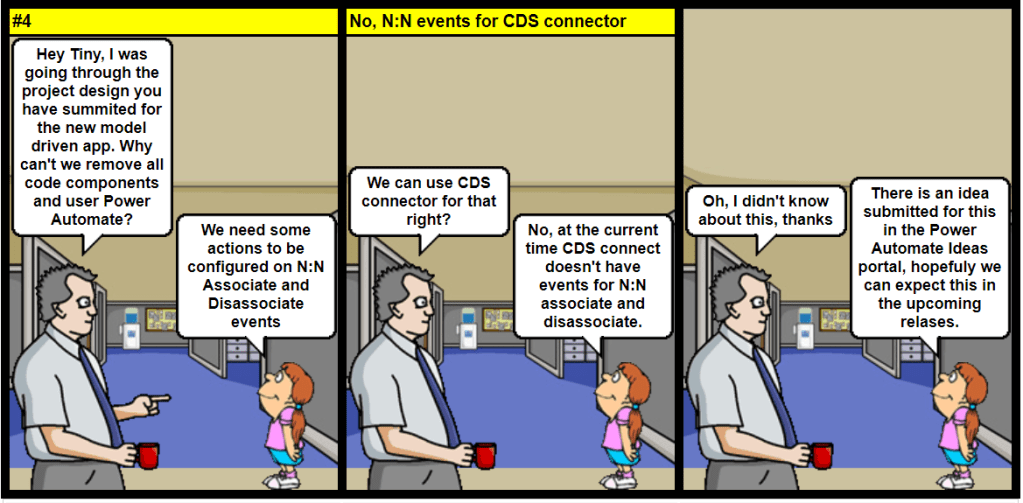
Currently, CDS connector doesn’t have events for N:N association and disassociation.
View Idea status in Power Automate Ideas portal.

Although you can define multiple quick create forms, only one quick create form can be used by everyone. The form everyone will use is set using the form order. Quick create forms cannot be assigned to security roles and they do not provide the capability for the user to switch forms.
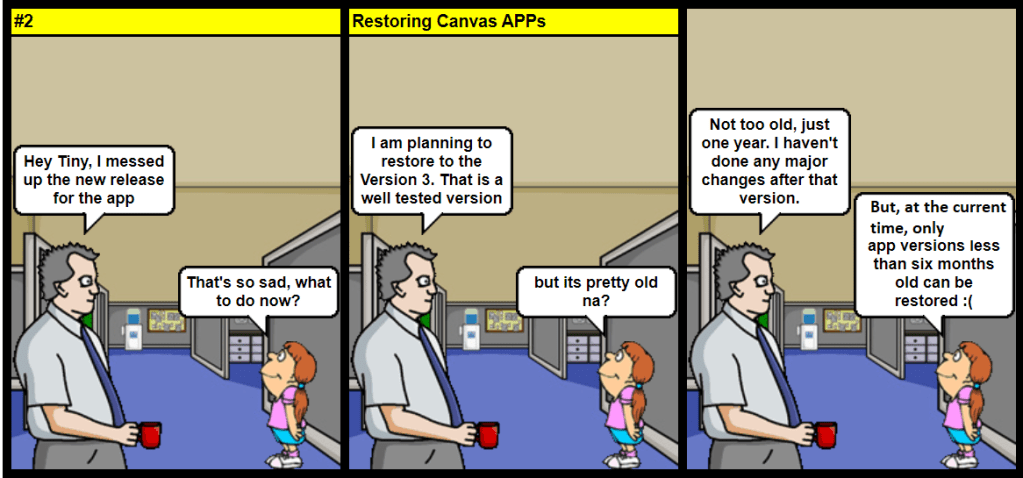
Verify the version you would like to restore is not older than six months. At the current time, only app versions less than six months old can be restored.
https://docs.microsoft.com/en-us/powerapps/maker/canvas-apps/restore-an-app

It totally depends on your plugin style: In case for early-bound, I like using LINQ because it’s strongly typed and It helps development speed. Certain benchmark test have proved that Fetchxml is slightly faster than QueryExpression.
As per Microsoft official docs, there is no visible performance difference but just a personal preference of the developer.

As you all know, ADAL is deprecated and will be unsupported by June 30th 2022, Microsoft recommends to use the MSAL (Microsoft Authentication Library). MS has also advised to migrate your existing applications to MSAL.
MSAL makes it easy for developers to add identity capabilities to their applications. With just a few lines of code, developers can authenticate users and applications, as well as acquire tokens to access resources. MSAL also enables developers to integrate with the latest capabilities in our platform—like passwordless and Conditional Access.
Microsoft Build 2020
Read the official FAQ for migrating your applications to MSAL here
MSAL is now the recommended official authentication library for use with the Microsoft identity platform.

In my pervious post Authenticate Dynamics 365 in Azure Functions Version 3 , I used ADAL for authentication. The below code authenticates D365 using MSAL, and use WEBAPI to fetch the contact record with the email address passed in the request body.
using System;
using System.IO;
using System.Threading.Tasks;
using Microsoft.AspNetCore.Mvc;
using Microsoft.Azure.WebJobs;
using Microsoft.Azure.WebJobs.Extensions.Http;
using Microsoft.AspNetCore.Http;
using Microsoft.Extensions.Logging;
using Newtonsoft.Json;
using Microsoft.Identity.Client;
using System.Net.Http.Headers;
using System.Net.Http;

namespace AzureFunctionMSAL
{
    public static class ConnectMSAL
    {


        [FunctionName("MSALFunction")]

        // change get or post based on your scenario

        public static async Task<IActionResult> Run(
            [HttpTrigger(AuthorizationLevel.Function, "get", "post", Route = null)] HttpRequest req,
            ILogger log)
        {
            log.LogInformation("C# HTTP trigger function processed a request.");

            string contactEmail = req.Query["eamil"];
            string contacts = string.Empty;
            string requestBody = await new StreamReader(req.Body).ReadToEndAsync();
            dynamic data = JsonConvert.DeserializeObject(requestBody);
            contactEmail = contactEmail ?? data?.email;


            // MSAL Authentication
            string clientId = "*********583";
            string secret = "zDC******";
            string[] scope = new string[] { "https://******.crm.dynamics.com/.default" };
            string webAPI = " https://***.crm.dynamics.com/api/data/v9.1/";
            string authority = "https://login.microsoftonline.com/69e9641e-4be0-4f4c-9ae4-06fdc1160c34";

            var clientApp = ConfidentialClientApplicationBuilder.Create(clientId: clientId)
            .WithClientSecret(clientSecret: secret)
            .WithAuthority(new Uri(authority))
            .Build();

            try
            {
                AuthenticationResult authResult = await clientApp.AcquireTokenForClient(scope).ExecuteAsync();

    // WEB API
                var httpClient = new HttpClient();
                httpClient.DefaultRequestHeaders.Add("OData-MaxVersion", "4.0");
                httpClient.DefaultRequestHeaders.Add("OData-Version", "4.0");
                httpClient.Timeout = new TimeSpan(0, 2, 0);
                httpClient.DefaultRequestHeaders.Accept.Add(new MediaTypeWithQualityHeaderValue("application/json"));
                httpClient.DefaultRequestHeaders.Authorization = new AuthenticationHeaderValue("Bearer", authResult.AccessToken);
                httpClient.BaseAddress = new Uri(webAPI);
                var queryOptions = "contacts?$select=fullname,mobilephone&$filter=emailaddress1 eq '" + contactEmail + "'";
                var response =  httpClient.GetAsync(queryOptions).Result;

                if (response.IsSuccessStatusCode)
                {
                    var contactsresult = response.Content.ReadAsStringAsync().Result;
                    contacts = contactsresult;
                    log.LogInformation("webapi executed");

                }

            }
            catch (Exception ex)
            {
                // log error
                string errorMessage = ex.Message;
                log.LogError(errorMessage);
                //response
                return new BadRequestObjectResult(JsonConvert.SerializeObject("an error occured while retriving contacts:"));
            }


            //
            string responseMessage = "WEB API Response: " + contacts;

            return new OkObjectResult(responseMessage);
        }
    }
}
Test your function from post man.


Please note, the response in the code is not well formatted, you may format the response as a proper json object based on your business need. You might also need to add required exception handling in the code.
Hope this helps.
 nijos.dev