
Flow steps including pending approvals, will bed timed-out after 30 days. It is always good to know the duration limits of the platform. You can find the platform duration limits here.
Giving back to the community what I have learned
Category: Power platform
Flow steps including pending approvals, will bed timed-out after 30 days. It is always good to know the duration limits of the platform. You can find the platform duration limits here.

Not sure if I am missing something but, I couldn’t find the delete button in the PowerApps maker portal whereas, it is available in the classic UI.

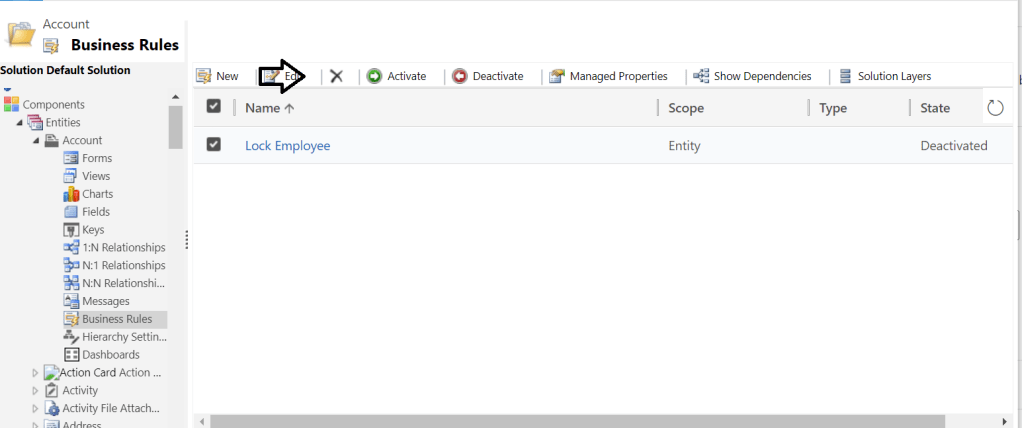
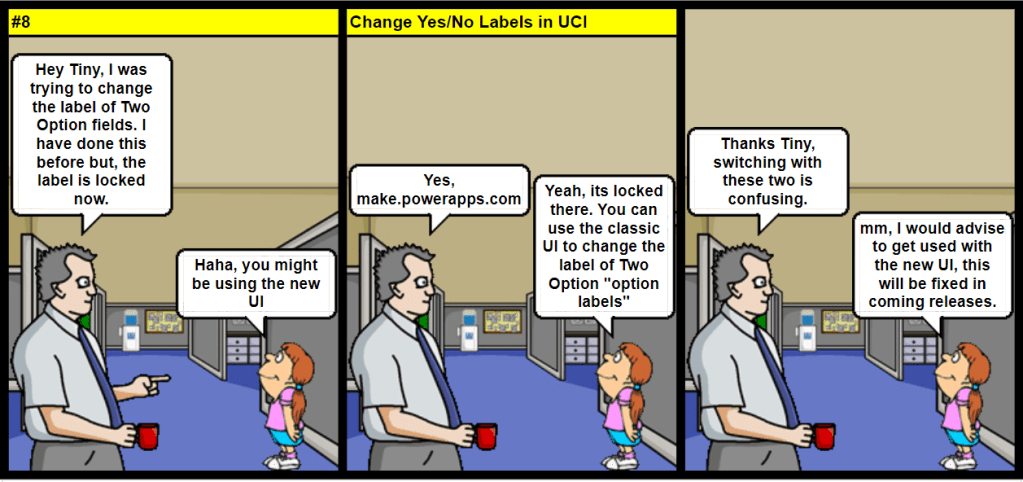
Knowing the limitations of each UI will help you to save some precious time .

If you are using email tracking and your system has records that share the same email address then, emails will be tracked to all records that uses the same email. You need to consider this when designing your solution…

This is one place where it becomes important to design your flows the right way straight from the beginning. Even when your flow is still quite small. More details.

There is an automated FLOW turn-off (expiry) policy based on license type and FLOW condition, read more details here.
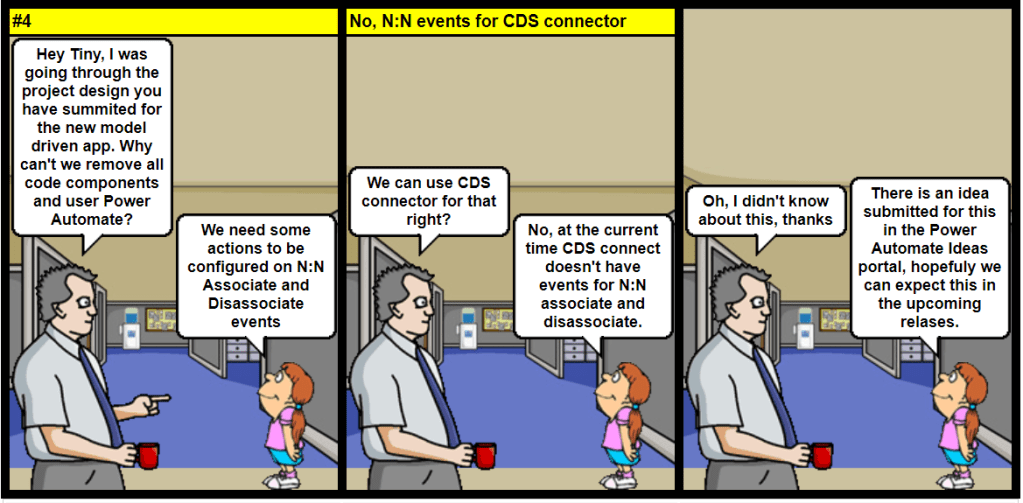
Currently, CDS connector doesn’t have events for N:N association and disassociation.
View Idea status in Power Automate Ideas portal.

Although you can define multiple quick create forms, only one quick create form can be used by everyone. The form everyone will use is set using the form order. Quick create forms cannot be assigned to security roles and they do not provide the capability for the user to switch forms.
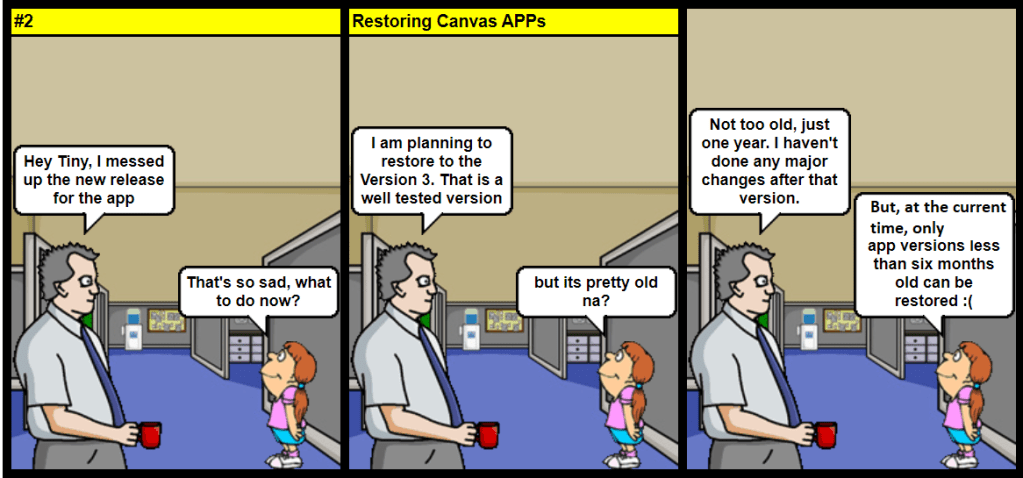
Verify the version you would like to restore is not older than six months. At the current time, only app versions less than six months old can be restored.
https://docs.microsoft.com/en-us/powerapps/maker/canvas-apps/restore-an-app

It totally depends on your plugin style: In case for early-bound, I like using LINQ because it’s strongly typed and It helps development speed. Certain benchmark test have proved that Fetchxml is slightly faster than QueryExpression.
As per Microsoft official docs, there is no visible performance difference but just a personal preference of the developer.
 nijos.dev